 TradesUpHQMulti-trade operating system
TradesUpHQ
The operating system for modern trade companies.
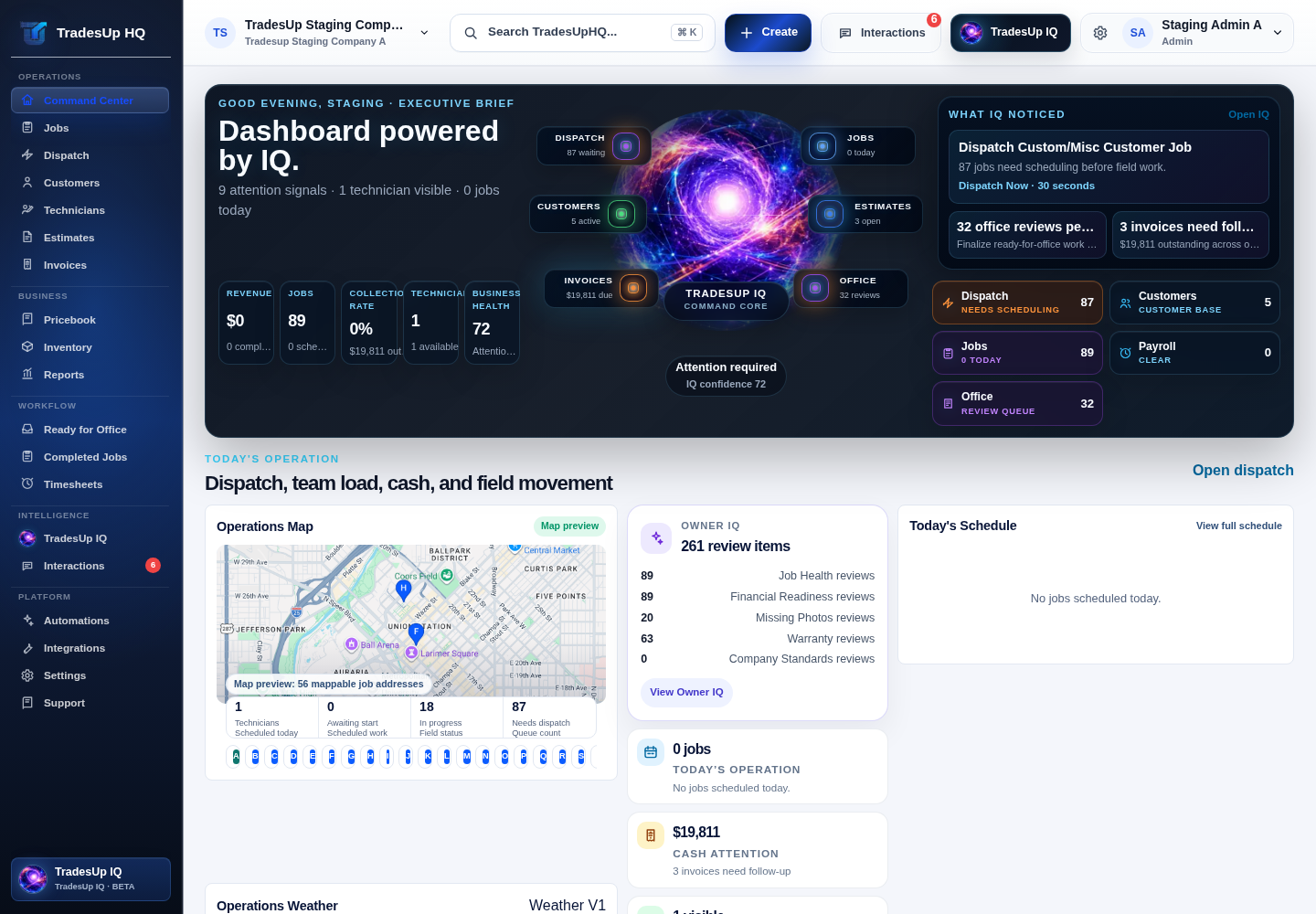
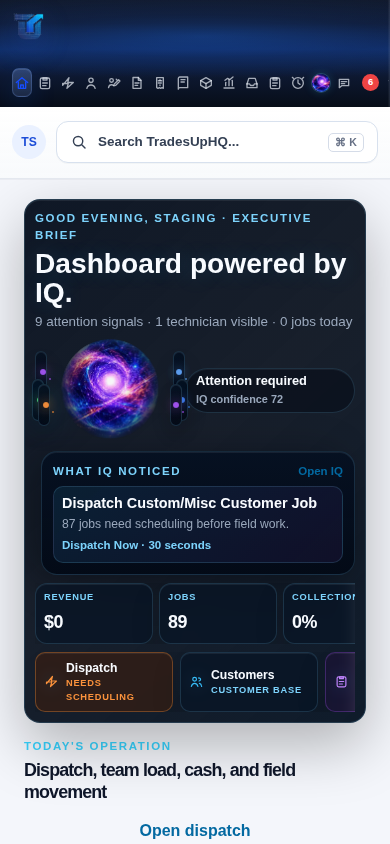
TradesUpHQ connects dispatch, mobile workflows, office review, billing readiness, messaging, company standards, and owner visibility in one operating system for modern trade businesses.
DispatchMobile workflowsOffice reviewBilling readinessOwner IQ
Operating flow
How work moves through TradesUpHQ.
Every job follows a connected operating flow. Dispatch gets the work scheduled, technicians capture the work in the field, the office reviews it before billing, and owners gain visibility into what is happening across the company.
01Dispatch
02Field Workflow
03Ready For Office
04Office Review
05Billing Readiness
06Invoice
Owner intelligence
See the business before the day gets away from you.
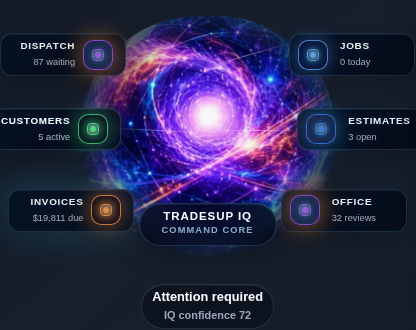
Owner IQ and Daily Brief give owners a clear view of work in motion, open issues, dispatch pressure, field progress, and office follow-up.
Work in motionOpen issuesDispatch pressureField progressOffice follow-up
Dispatch V3
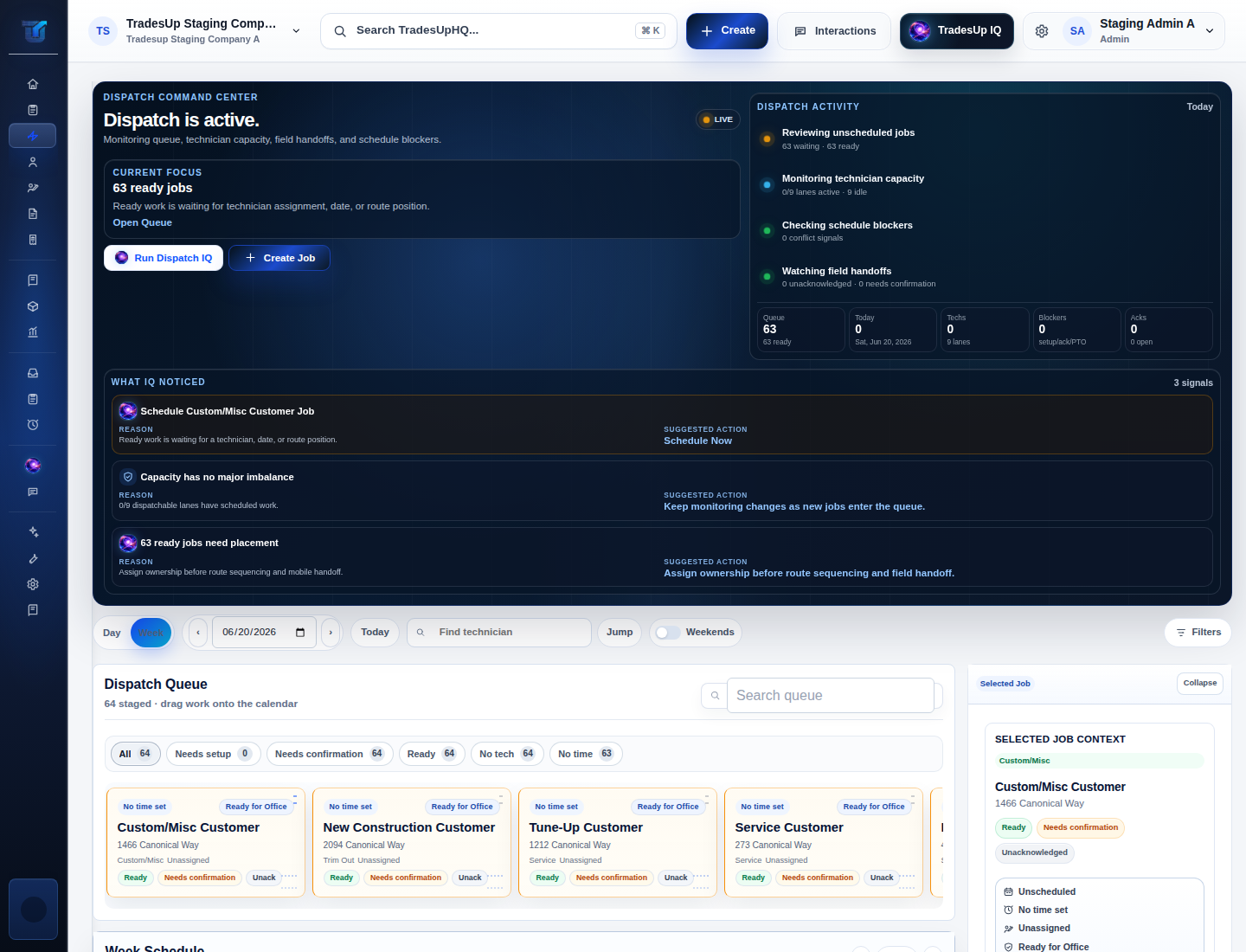
Keep the schedule moving without losing job context.
Dispatch V3 helps office teams manage the queue, assign work, coordinate technicians, and keep scheduled jobs visible.
Mobile workflows
Capture the work while it is happening.
Technicians complete structured workflows for service, changeouts, new construction, trim out, and custom work. Labor, materials, photos, notes, checklist items, and job details are captured in the field so the office does not have to reconstruct the story later.
LaborMaterialsPhotosNotesChecklist itemsJob details
Ready For Office
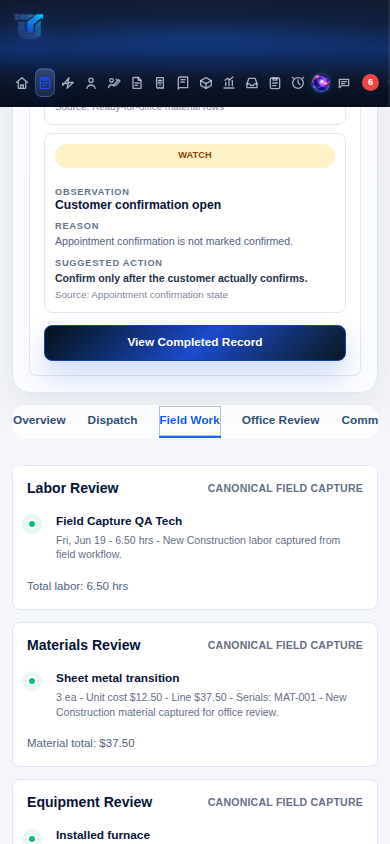
Give the office clean job data before billing starts.
Ready For Office, Office Review, and Billing Readiness Preview turn completed field work into reviewable office information before billing begins.
Operating platform
Built around operations, not contact lists.
Most systems start with customers and records. TradesUpHQ starts with how work moves through your company, from dispatch and field execution to office review, billing readiness, messaging, and owner visibility.
Dispatch
Get work scheduled, assigned, and visible before the day gets away from the office.
Field workflow
Capture labor, materials, photos, notes, and checklist items while the work is happening.
Office review
Review field capture, Ready For Office details, and open items before billing begins.
Billing readiness
Give office teams a cleaner path from completed work to invoice preparation.
Messaging
Keep direct messages, channels, broadcasts, and job rooms connected to the work.
Owner visibility
Use Owner IQ and Daily Brief to see dispatch pressure, field progress, and office follow-up.
Company Standards + Studio
Standardize how your company gets work done.
Company Standards and Studio help define how work should be captured, reviewed, and handed off across the organization.
DefineCompany expectations and workflow standards.
CaptureField data in the format the office needs.
ReviewKeep handoffs consistent from job to job.
Messaging
Keep conversations attached to the job.
Direct messages, team channels, broadcasts, and job rooms keep technicians, dispatchers, office staff, and owners aligned without losing job context.
Multi-trade support
Built for modern trade companies.
The platform is designed around the shared operating flow of trade work: schedule the job, complete the field work, review it in the office, and keep the business moving.
HVACPlumbingElectricalRoofingLandscapingConcreteExcavationSolarGeneral Contractors
Pricing
Start workspace setup when you are ready.
Pricing and billing terms stay on the existing TradesUpHQ pricing flow. The homepage points there without duplicating billing logic.
TradesUpHQ
Run the next job with the office and field on the same page.
Start setting up your TradesUpHQ workspace and see how dispatch, mobile workflows, office review, billing readiness, messaging, standards, and owner visibility fit together.